01 · the problem
The gap that ends retail accounts sits between having a strategy and executing it consistently. Currency markets run around the clock across overlapping sessions, so positions need watching at hours nobody keeps, and the losses that do the damage are usually the ones nobody was awake to cut. A platform aimed at that problem has to make the boring discipline (how much to risk, where the stop goes) more accessible than the exciting part.
02 · what i built
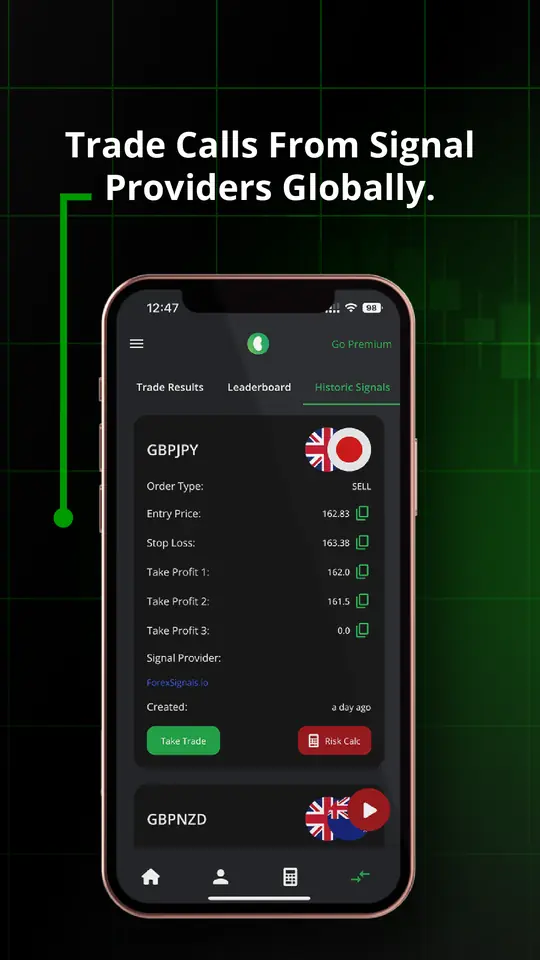
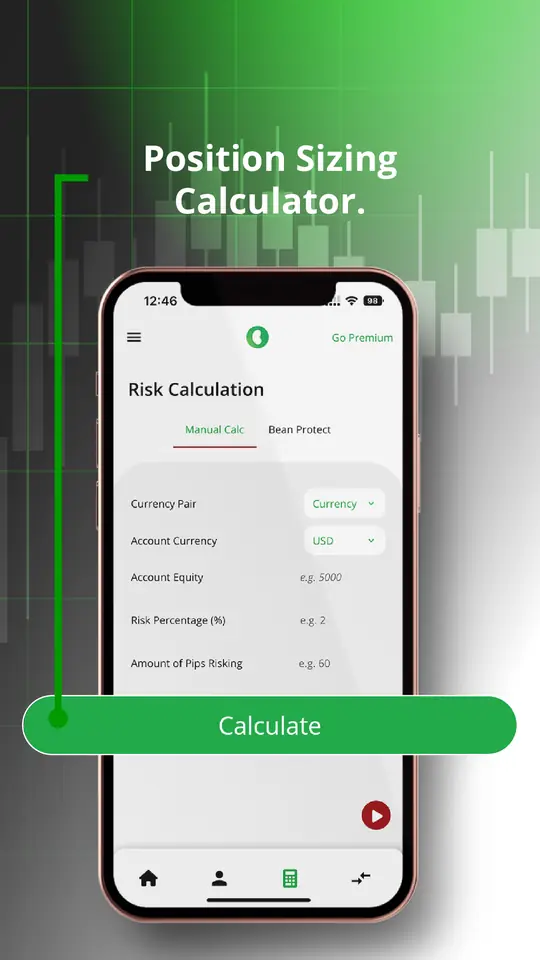
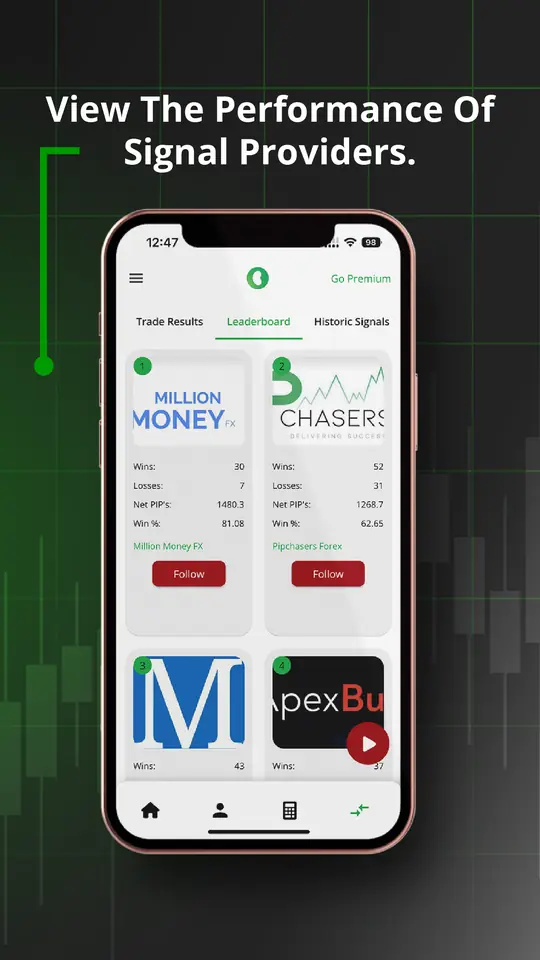
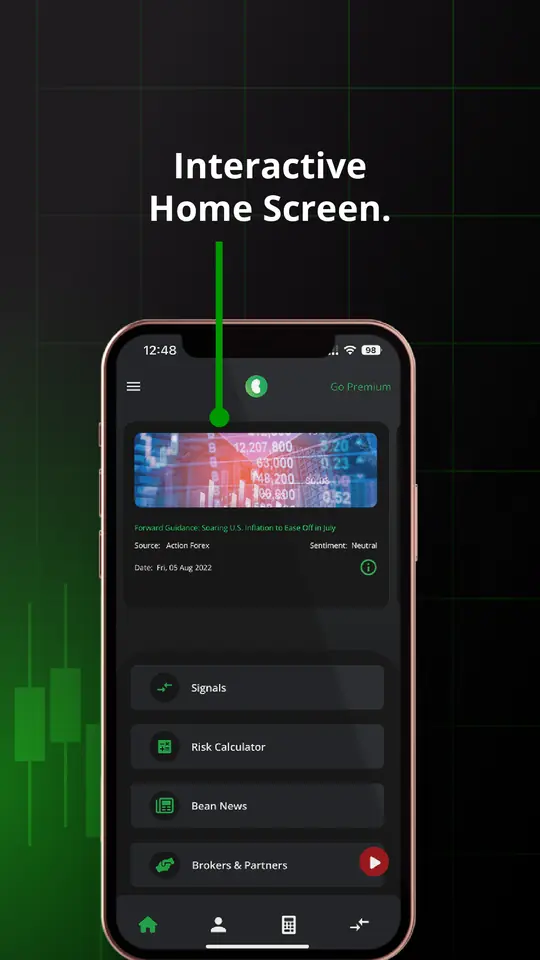
A trading platform assembled around that gap rather than around chart tools. Signals from a roster of providers surface setups with entry, stop loss and take profit levels already stated, so a trade arrives as a complete instruction rather than an idea. A position sizing calculator turns account equity, risk percentage and pips at risk into a number, which is the single most useful thing an app can hand a retail trader. A public leaderboard scores every signal provider on wins, losses, net pips and win rate, so the record is visible instead of asserted. Market news sits in the same place so context and position do not live in two apps. It is not a broker and does not want to be: it works alongside whichever one the trader already uses.
- Trade signals
- Calls from signal providers worldwide, each stating the pair, the direction, the entry price, the stop loss and up to three take profit levels, so a signal is actionable without interpretation.
- Position sizing calculator
- Currency pair, account currency, equity, risk percentage and pips at risk in; the size to trade out. The discipline that most often separates a surviving account from a closed one, made into one screen.
- Provider leaderboard
- Every signal provider ranked on wins, losses, net pips and win rate. A track record that is visible rather than claimed changes which signals a trader chooses to take.
- Results, kept honestly
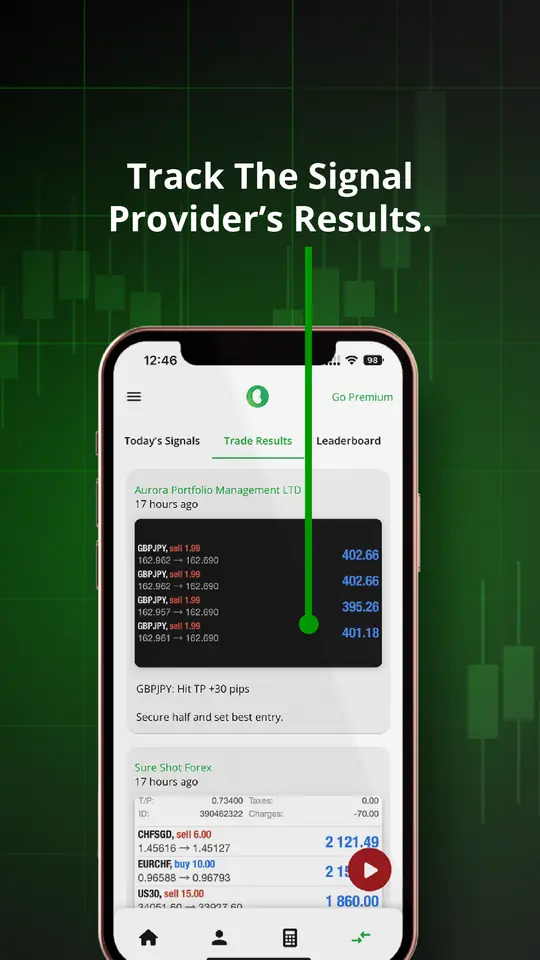
- The day’s signals shown next to what previous trades actually made or lost in pips, so the app is accountable to its own history.
- Market news
- News in the same app as the positions, because the alternative is context in one place and exposure in another.
- Broker agnostic
- Not a broker, and compatible with any of them. The trader keeps whatever account they already have.
03 · what happened
Published on the App Store in August 2022 under Levare Limited and taken to version 4.0.3, on a free, freemium and premium ladder: three daily signals and the sizing calculator free, up to five on freemium, and over fifteen a day on a subscription.